Limited-time offer! 40% off all paid plans · valid until 30.11.2026 See prices →
Logo

Your own review page: collect feedback before it goes public

Guests scan the code and give you feedback directly – with stars, smileys or a question. If a rating is poor, you get an email right away.

Create a free account
Review page Included for free

A public review on Google is valuable – but often that is where you first find out something went wrong. With your own QRown review page, you ask directly: stars, smileys, recommendation, yes/no, multiple choice or free text, plus an optional comment and contact details. All answers end up in your dashboard with key figures, trends and filters. If a rating is poor, we send you an email so that you can respond. And because every opinion counts, all guests also see your links to Google, Tripadvisor or Facebook – regardless of how they rated.

Want to lead straight to Google reviews? That is what the Google review QR code is for.

How it works

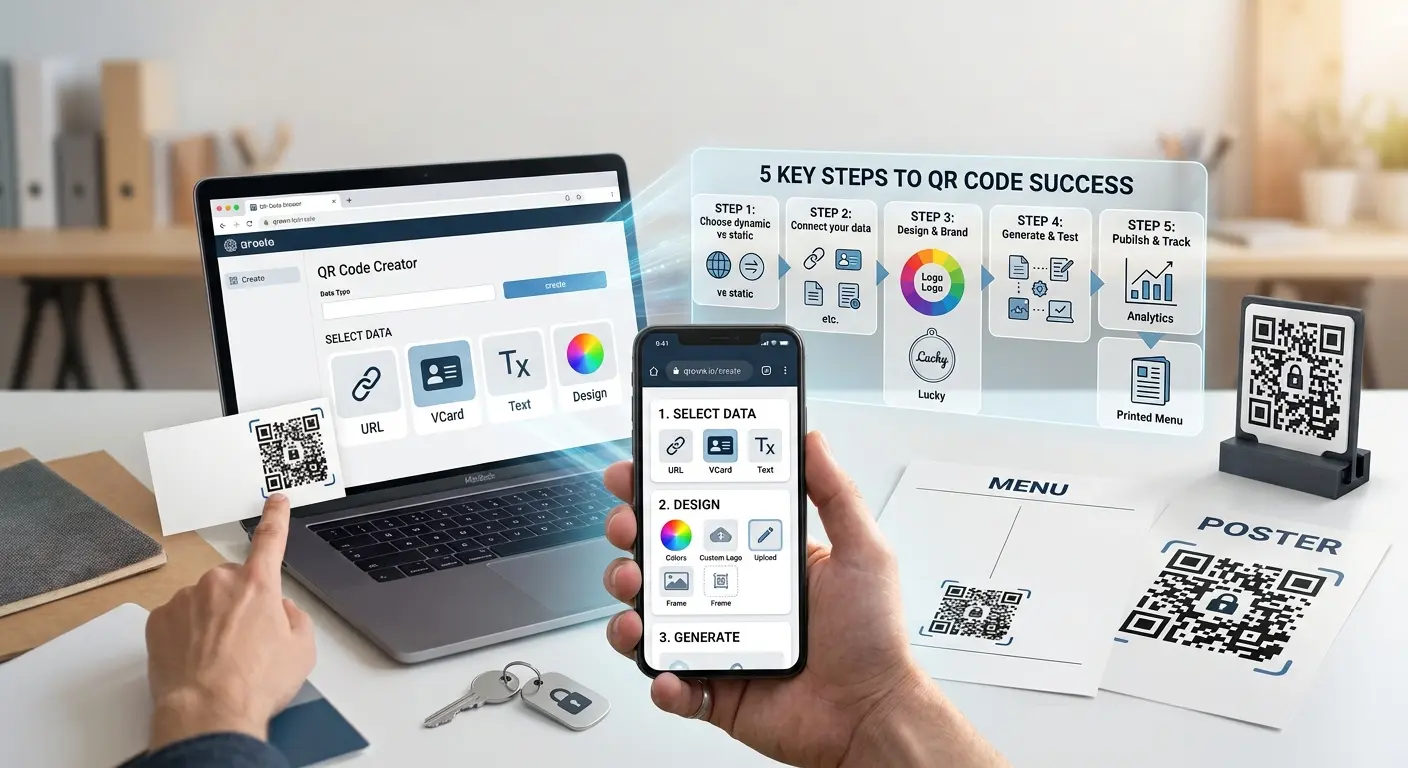
1

Design the page

In the page editor, choose the questions – stars, smileys, recommendation, multiple choice or free text – and add links to your review platforms.

2

Put up the code

Create a QR code of the type review page and place it on the table, the bill or the counter.

3

Analyse the answers

View key figures and comments in the dashboard, reply by email if needed and read the weekly report.

Where your own review page pays off

Restaurants & cafés

Feedback on the visit right at the table, before the guest goes home.

Hotels & holiday flats

Feedback on room and service during the stay instead of only in the review afterwards.

Practices & service providers

Ask discreetly about satisfaction, with a contact field for follow-up questions.

Courses & events

A survey at the end of the course or event, analysed by question.

Why the QRown review page

Informed right away

An email on poor ratings – you set the threshold yourself.

Fair to all guests

Everyone sees your links to Google and co. This complies with the platforms’ rules.

Less spam

Protection against bots, one rating per device and day, and only a hash of the IP address is stored.

Frequently asked questions

What is the difference from the Google review QR code?

The Google code leads directly to the review form on Google. Your own review page asks you first, collects the answers in your dashboard and also shows the links to Google and other platforms.

Are poor reviews kept away from Google?

No. All guests see your platform links, no matter how they rated. Google and other platforms prohibit forwarding only satisfied guests. But you learn about poor feedback right away and can respond.

What questions can I ask?

Stars, smileys, recommendation from 0 to 10, yes/no, multiple choice with up to 8 options and free text. Plus an optional comment, name and email with consent.

When do I get an email?

When a rating is below your threshold, which you set between 1 and 4 stars. For the recommendation, 0 to 6 counts as poor. If you like, you also get a weekly report with the number of ratings, the average and the latest comments.

Can I reply to guests?

Yes, by email, if the guest has provided their address with consent. The answers can also be exported as a CSV.

Learn more

Ready for your own QR code?

Created in under a minute — right in your browser.

Create a free account All QR code types