Limited-time offer! 40% off all paid plans · valid until 30.11.2026 See prices →
Logo

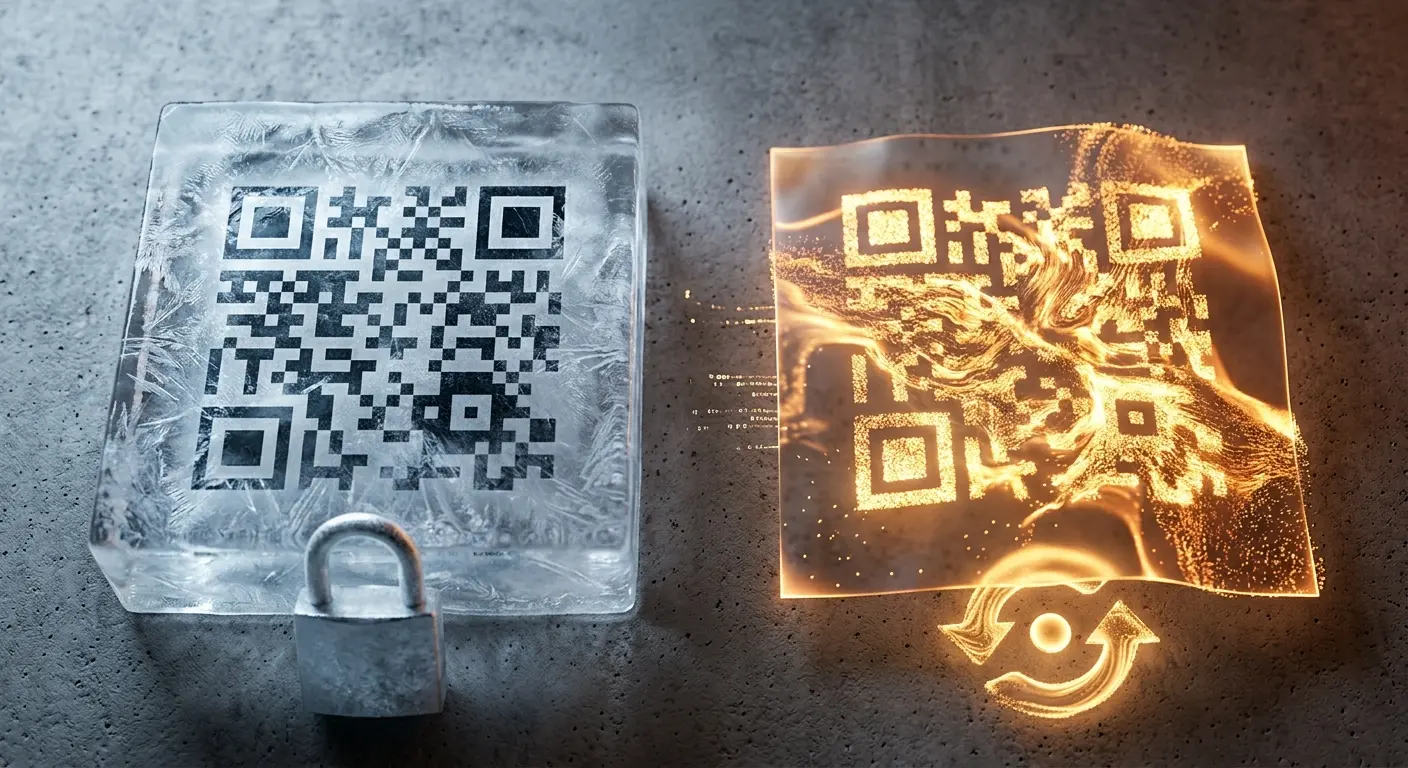
Dynamic QR code: print once, change the target any time

The code only contains a short address; the target is stored with us. That way you can change the link after printing, see how often it is scanned and pause the code with one click.

Create a free account
URL/website (dynamic) Included for free

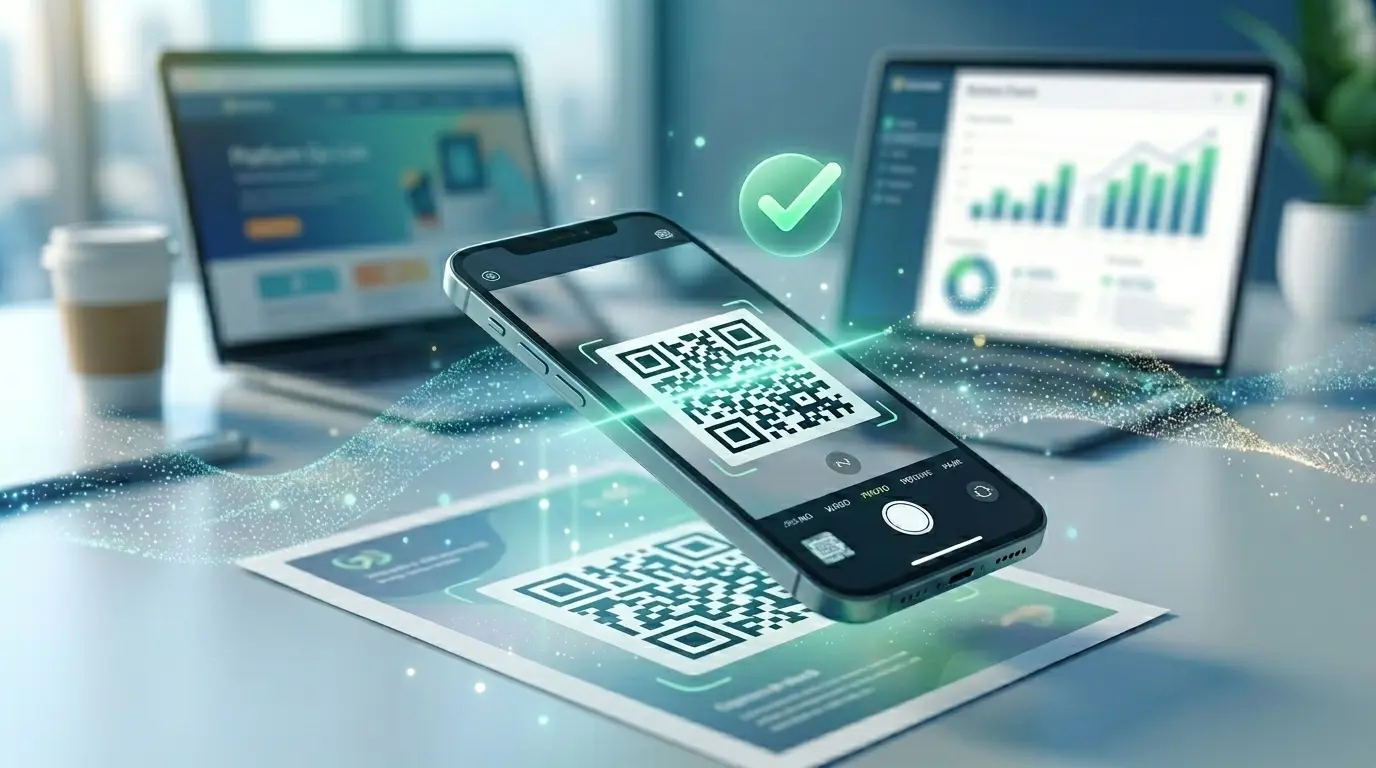
A static QR code stores the link directly in the pattern – once it is printed, it can no longer be changed. A dynamic QR code, on the other hand, only contains a short address such as qron.ch/Ab3dE. When it is scanned, we look up where the code should currently lead and redirect. You can change the target, the campaign parameters, a password, an expiry date or a scan limit at any time in the dashboard, without reprinting. On top of that, we count the scans: when, with which device and – depending on your plan – from which country.

Just want to share a link, without any image? That is what short links are for.

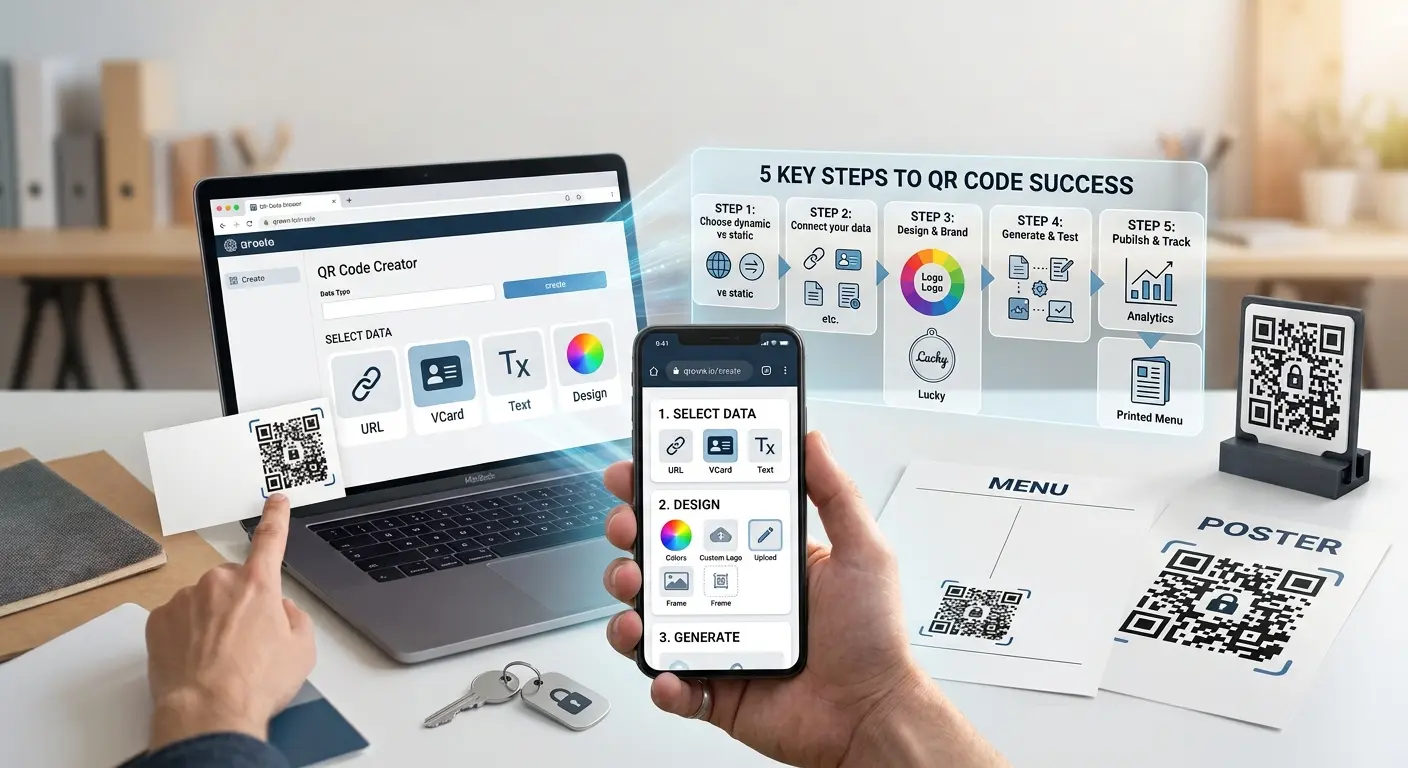
How it works

1

Enter the target

Enter the web address the code should lead to and choose “Dynamic”. If you like, set a password, expiry date or campaign parameters right away.

2

Design and print

Adjust colours, shape and logo and download as PNG, SVG or PDF. From now on, the pattern always stays the same.

3

Adjust at any time

Change the target, pause or reactivate the code and follow the scans in the statistics – the printed code remains valid.

Where a dynamic code pays off

Flyers & posters

The promotion is over? Point to the next one instead of reprinting. With an expiry date, it even ends on its own.

Packaging & labels

Instructions, recipe or product page change – the code on a thousand packs does not.

Business cards & signs

New website or new booking link? Simply swap the target, and the cards stay in circulation.

Measure campaigns

Campaign parameters for your web analytics tool and the built-in scan statistics show which poster works.

Why dynamic codes from QRown

The code stays valid

The address is fixed when the code is created and never changes – not even if you switch plans.

Statistics without cookies

Unique scans are recognised without a cookie, and messenger preview bots are not counted.

Full control

Pause, password, expiry date and scan limit – all can be changed later, without a new pattern.

Frequently asked questions

What is the difference between a static and a dynamic QR code?

A static code stores the content in the pattern itself and cannot be changed after printing. A dynamic code contains a short address; you can change the target behind it at any time, and the scans are counted.

Will my printed code keep working if I switch plans?

Yes. The address in the code is fixed when it is created and stays the same. If a code is paused because a plan expires, it shows a notice instead of an error.

What can I still change after printing?

The target, the title, the design for new downloads, the campaign parameters, a password, the expiry date and the scan limit. The QR type and a subdomain are set when you create the code.

What do the scan statistics show?

Total and unique scans over time. Depending on your plan, also device and browser, countries and cities on a map, and export as CSV or PDF. If you like, you get a report by email, weekly or every few months.

How long is scan data kept?

We delete individual scans after 90 days. Before that, they are combined into anonymous daily totals so that the charts can also show longer periods.

Do I need an account for a dynamic code?

Yes, a free account is enough – otherwise you could not change the target later. You can create static codes without signing up.

Learn more

Ready for your own QR code?

Created in under a minute — right in your browser.

Create a free account All QR code types