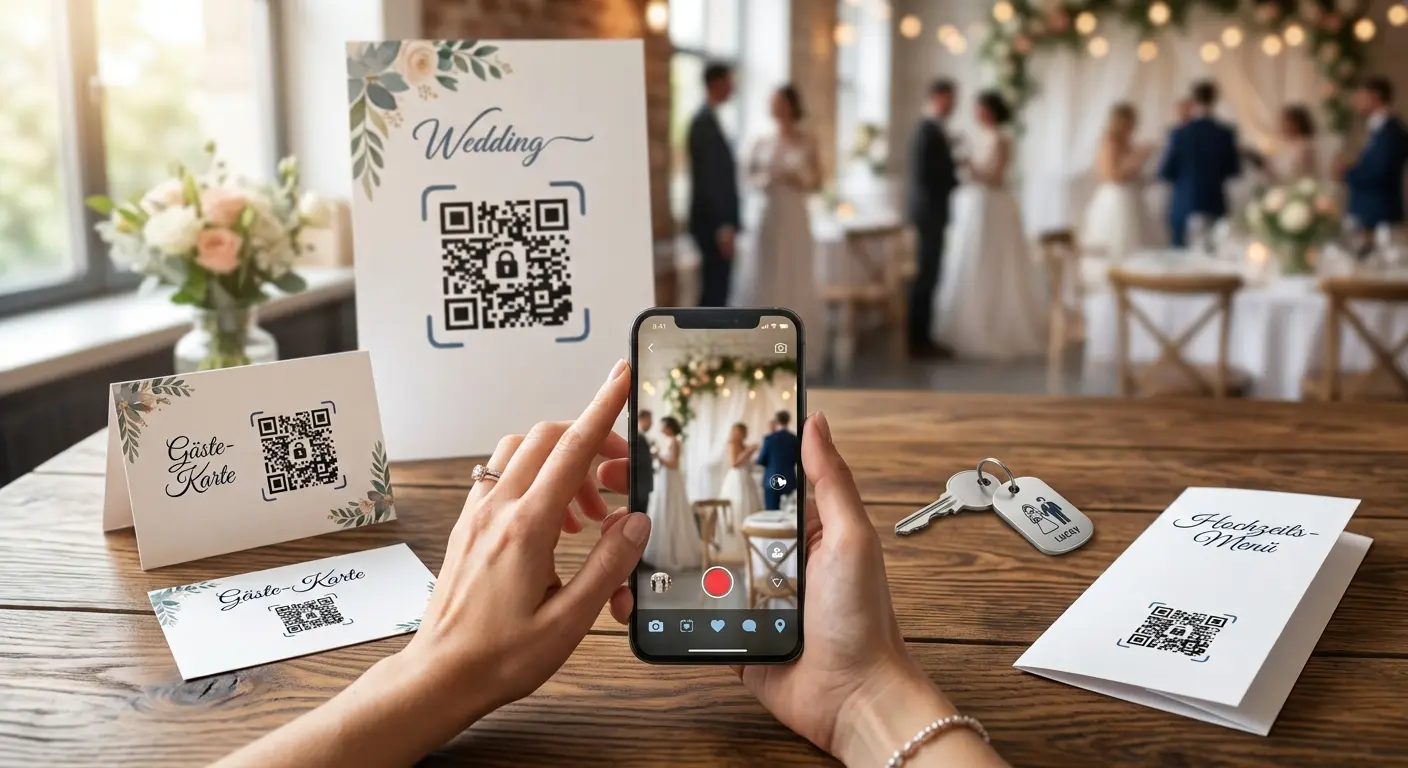
One page for your guests: schedule, directions, gift list and photo album – behind a code on the invitation, menu and place cards.
Create a free accountA lot changes between the invitation and the big day: the RSVP deadline, the meeting point for drinks, the link to the gift list. With a wedding page on QRown everything is in one place, and the printed code stays the same no matter how often you update the page. You start from a ready-made template – welcome, schedule, directions, RSVP, gift list and photo album – and only replace the sample text. A password makes sure only your guests can see the page.
The wedding template comes with all the usual sections. Replace names, times and places – remove anything you do not need with one click.
Fonts, colours and background to match your invitation, plus a photo of the two of you. A password keeps the page private.
Put the code on the invitation, save-the-date, menu or place card. Later changes show up immediately – no reprint.
Date, venue and RSVP deadline, plus a button to accept or decline – by e-mail or via your own form.
Address with map link, parking, shuttle and hotel tips – instead of a separate information sheet.
Buttons to your gift list and to the shared album where guests upload their pictures.
Timeline, seating plan as an image, song requests – one code on the table answers most questions.
Only people who know the password from the invitation can see the page. Search engines do not index it anyway.
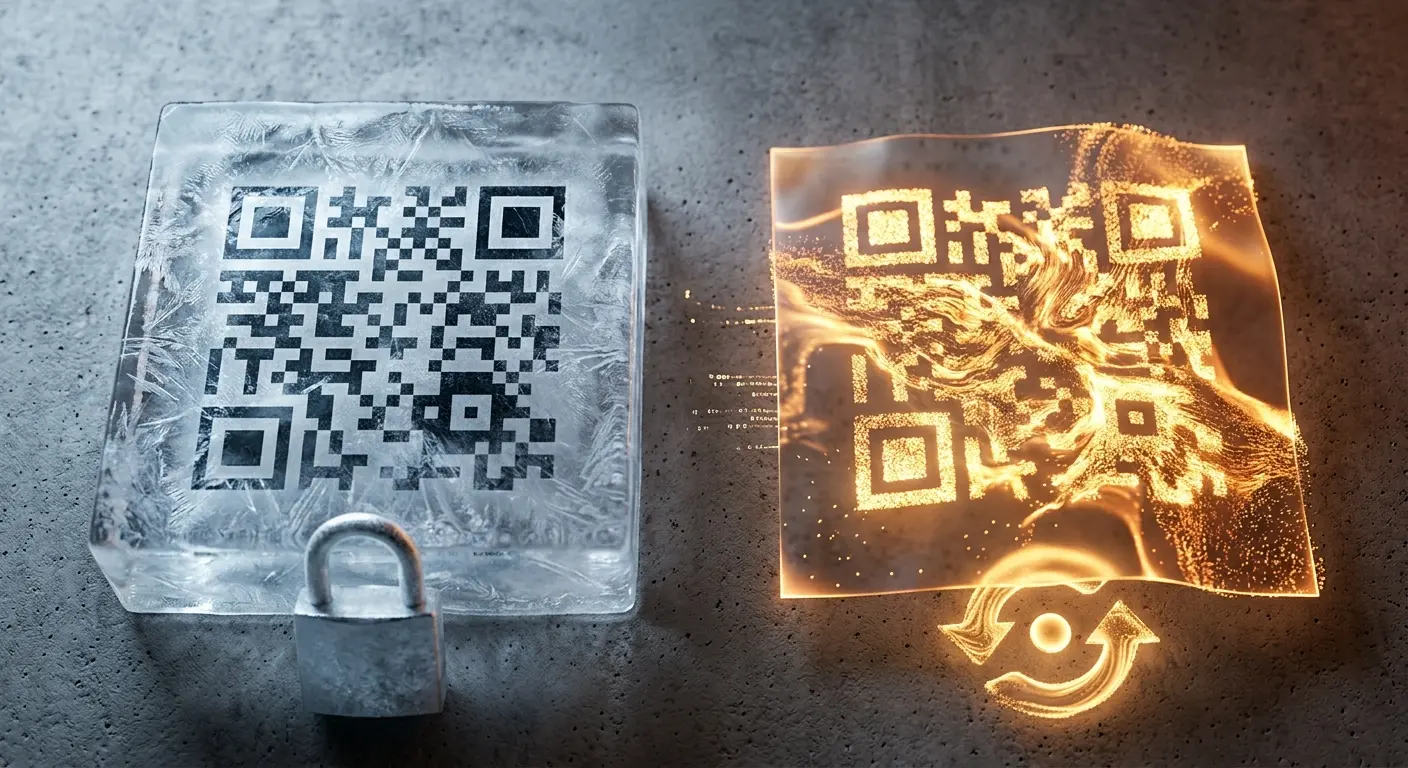
New deadline, different meeting point, photo album after the party: the printed code stays, the content grows with you.
No hosting, no domain, no site builder. The page lives at QRown and opens straight after the scan.
Only with the password, if you set one. In addition, the page is blocked for search engines – it does not show up on Google.
The page itself has no form. Add a button that opens a prepared e-mail to you, or a button to your own RSVP form.
Not directly to the page. A button leads to your shared album on a photo service – the code on the table takes everyone there with one scan.
Yes, any time and as often as you like. The code stays the same; changes are visible immediately.
Yes. For international guests you can maintain the text in German, English, French, Spanish and Italian; the guest’s phone picks the right language.
It stays online as long as you do not delete it and the code is active. Many couples turn it into a look-back with photos – the code on the thank-you card then leads there.
A wedding or a large event involves many small organizational tasks—collecting RSVPs, sharing the wish list, and compili…
Do you want to create a QR code but aren’t sure whether you need a static or a dynamic one? In this article, you’ll lear…
If you use QR codes on flyers, business cards, posters, or packaging, you expect them to scan instantly and provide a se…
Created in under a minute — right in your browser.