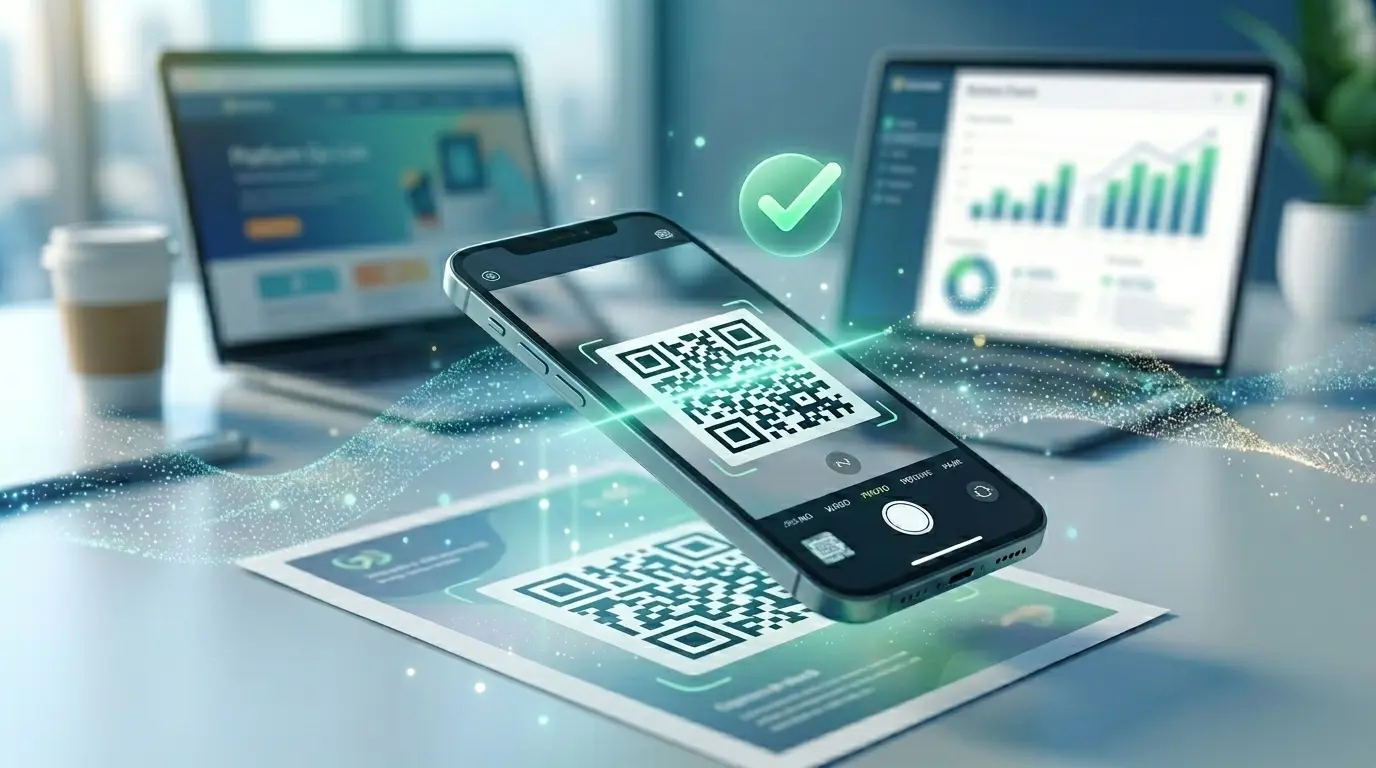
Customers scan the code at the counter and the card opens in the browser – no app needed. Your staff confirm stamps and rewards with a PIN.
Create a free accountPaper cards get lost in wallets, left at home or stamped by someone who shouldn’t. With the QRown loyalty card you decide how many stamps a reward takes – anything from 2 to 30. The customer scans the QR code at the counter and their card opens in the browser, with no app and no customer account. The number of stamps is chosen on their phone, and your staff confirm with their PIN. Once the card is full, the reward is redeemed with a PIN as well. The card is stored on the server, not just in the browser: with their email address and a 6-digit code, customers save it and can find it again on any phone.
Reward regulars and collect reviews as well? That is what the Google review QR code is for.
Choose a name, the reward and the number of stamps, plus an optional daily limit, terms, colour and extra languages. Then add one PIN per team member.
Create a QR code of the type loyalty card and link it to your card. You can change the reward and the number of stamps later without a new code.
The customer scans at the counter; 1 to 5 stamps are picked with a button, or up to 99 with “+”. Your staff confirm with the PIN – also when the reward is redeemed.
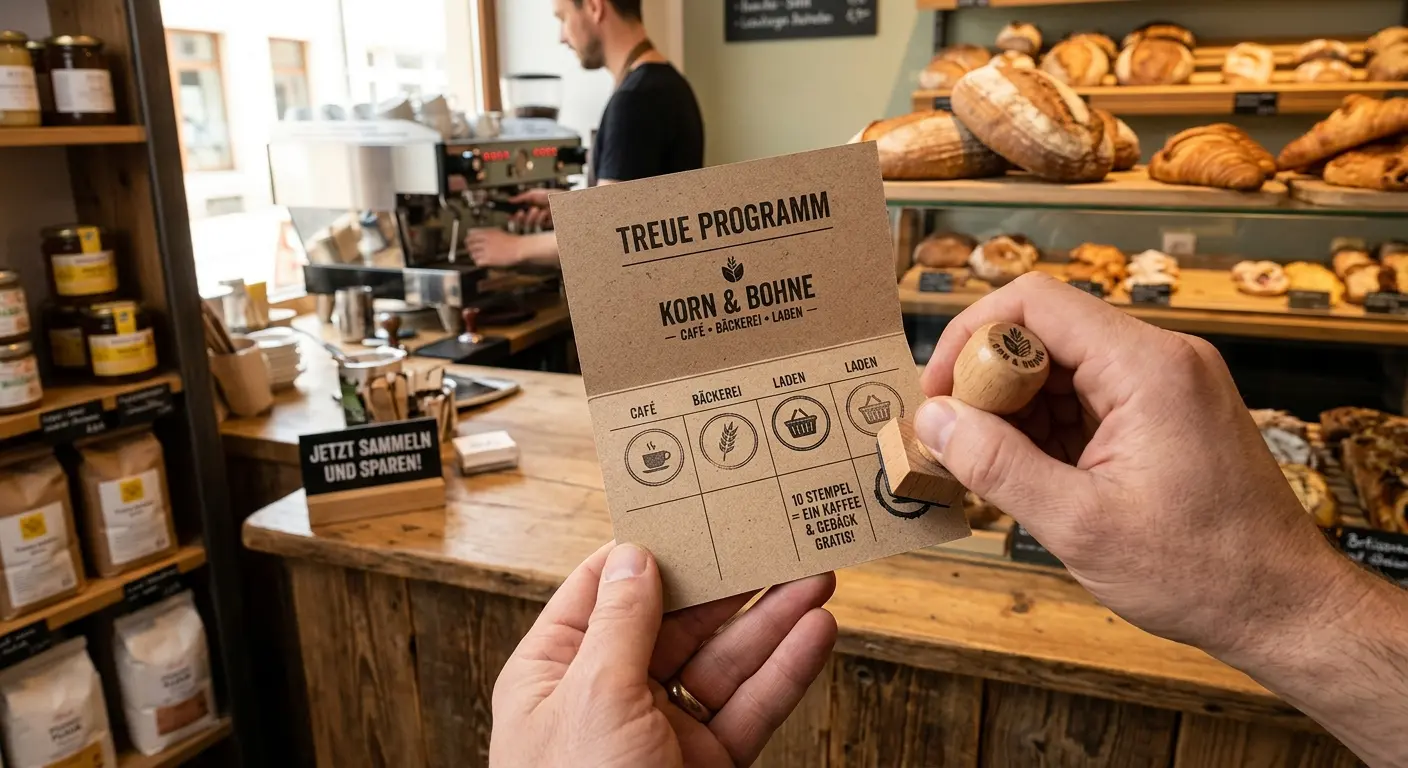
Every tenth coffee or croissant is on the house. The code sits next to the till, and stamping happens at payment.
A free pizza after eight orders. Several stamps at once for a larger order are picked with a single tap.
For less frequent visits a few boxes are enough: a reward can take as few as two stamps.
For regulars at the bookshop, the bike shop or the farm shop – your terms appear right on the card.
The card runs in the browser of any phone. Device-specific instructions show customers how to add it to their home screen. It appears in the language of the device.
Stamping and redeeming only work with your staff’s PIN. Several PINs show in the log who booked what; anyone trying out PINs is blocked after several failed attempts.
Key figures on cards, stamps and rewards, a log with cancellation, and card search at the counter: enter a card number or email and correct stamps by hand.
No. After the scan the card opens in the browser. To keep it close at hand, the card shows matching instructions for the home screen – for iPhone, Android, Samsung Internet or as a bookmark on a computer.
Stamps and rewards are only given with your staff’s PIN (4 to 8 digits). After several wrong entries there is a temporary block, and the management view warns you about an unusual number of failed attempts. You can also set a daily limit per card.
The stamps are stored on the server, not in the browser. The personal card link leads back to the card. If the customer has confirmed an email address, they confirm it again on the new phone with a 6-digit code – the cards are merged automatically. At the counter you can also find any card by card number or email.
Yes. The log lists every booking with time, card number and PIN name; stamps, redemptions and corrections can be cancelled. Manual corrections are entered with a reason, for example when transferring an old paper card.
Yes, at any time under “Loyalty cards” – the printed QR code stays the same. You can also pause the card; then nobody can collect.
You enter the name, reward and terms in a default language and, if you like, in further languages: German, English, French, Spanish, Italian, Czech, Slovak, Croatian, Slovenian and Dutch. The card appears in the language of the customer’s phone; if a translation is missing, the default language is used. You also choose a light, dark or automatic design and your accent colour.
Customer cards without activity are deleted automatically after 24 months. Every stamp and every redemption counts as activity.
Yes. The loyalty card is a feature of dynamic codes; you manage PINs, key figures and the log in your QRown account. Your customers do not need an account.
A coffee a day, bread on Saturday, a haircut every few weeks: regular customers are worth their weight in gold to a smal…
Do you want to create a QR code but aren’t sure whether you need a static or a dynamic one? In this article, you’ll lear…
If you use QR codes on flyers, business cards, posters, or packaging, you expect them to scan instantly and provide a se…
Created in under a minute — right in your browser.