Limited-time offer! 40% off all paid plans · valid until 30.11.2026 See prices →
Logo

Event tickets via QR code: registration, ticket and entry

Guests register via the QR code and receive their tickets by email. At the entrance, your team scans the tickets with the scan app in the browser – no app store needed.

Create a free account
Ticket registration Included for free

With QRown tickets, you organise registration and entry in one place. Guests scan the code on a poster or flyer, choose a category and up to 10 tickets, and receive them as a PDF by email. You set the total capacity, categories with their own capacity and a registration deadline; once everything is booked up, the form closes on its own. You can also create tickets yourself or import a guest list. At the entrance, your helpers open an entry link on their phone and scan the tickets with the camera – no account and no app store needed. If you do without the scan app, your team confirms entry with a secret gesture on the ticket.

A giveaway for your guests? That is what the prize draw is for.

How QR ticket admission works

In under two minutes: create your event, send the tickets and scan them at the door with a phone.

How it works

1

Set up the event

Set the name, date, capacity and optionally categories, registration deadline, confirmation by email, your own email text and logo.

2

Distribute the registration code

Create a QR code of the type ticket registration and put it on a poster, flyer or website. Or create tickets directly and import a guest list.

3

Entry via scan app

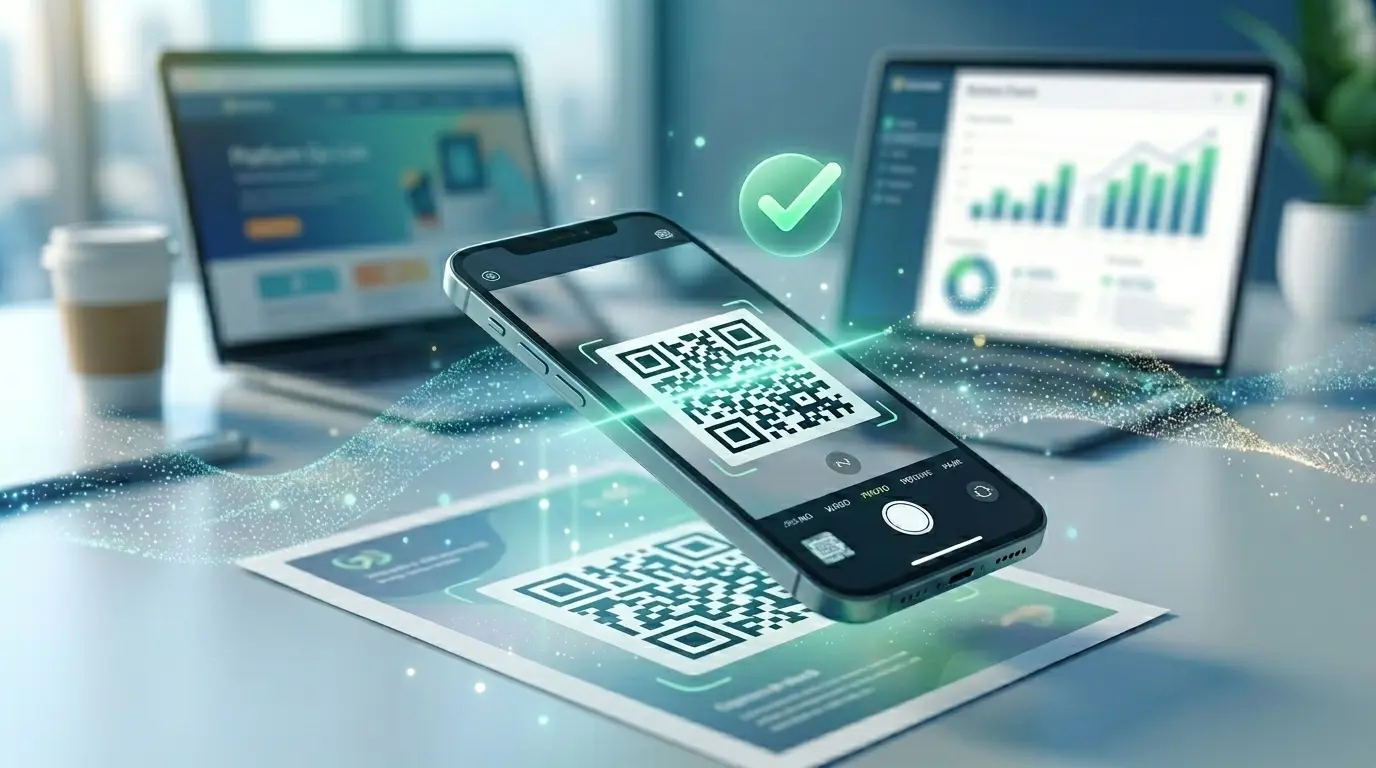
Helpers open the entry link and scan the tickets with the camera – green means in. The live overview shows how many guests have already arrived.

Which events tickets are worth it for

Concerts & theatre

Categories with their own capacity, tickets as PDF and entry without any equipment.

Courses & workshops

One ticket for 10 visits or for several fixed course days – one entry per day.

Club parties & general meetings

Registration via the code in the club newsletter, reminder by email before the event.

Corporate events

Import the guest list, send out tickets and see attendance at the entrance.

Why tickets from QRown

Scan app without installation

A link is all it takes: helpers scan in the browser, with no account and no app store. Without the scan app, entry works by gesture on the ticket.

Protection against copies

Each ticket is only valid as often as set, and the control symbol and clock expose screenshots.

Emails included

Ticket email, reminder before the event and updates to all guests – in 10 languages.

Frequently asked questions

Do I need a scanning device at the entrance?

No, a phone is enough. You create one entry link per entrance; your helpers open it and scan the tickets with the camera, with no account and no app store. The result appears large in green, orange or red; names are not shown. Without the scan app, your team confirms entry with a secret gesture on the ticket.

How do I prevent tickets from being copied?

Each ticket is only valid as often as set, for example once or for 10 visits. The scan app checks every scan directly with the server – a second scan of the same ticket appears orange. For entry by gesture, a control symbol that changes daily and moves, plus a running clock, show whether it is a real ticket or a screenshot.

How many tickets can a guest order?

1 to 10 per registration. If a known address registers again, it can order more tickets or have the existing ones sent again.

What happens when the event is booked up?

Then the form shows “booked up”, and the same applies after the registration deadline. Individual categories have their own capacity.

Can I write to the guests?

Yes: an automatic reminder 1, 2, 3 or 7 days beforehand, and updates to all ticket holders, for example when the programme changes.

What happens to the data after the event?

Name and email are deleted after the period you choose, between 7 and 365 days after the last day of the event. Ticket numbers and entry figures remain for your analysis.

Can guests leave in between and come back in?

Yes, if you switch on re-entry for the event. At the exit, the scan app checks the guest out; if they scan in again on the same day, they get in without using up another use of the ticket.

Learn more

Ready for your own QR code?

Created in under a minute — right in your browser.

Create a free account All QR code types