Logo

A/B test via QR code

One printed code, up to six targets: QRown splits the scans as you specify – your analytics shows which target works.

Create a free account
A/B test Included for free

Which landing page sells better? Which offer pulls? With an A/B test code you do not have to guess. You add two to six targets – external URLs or your own QRown pages – and decide how scans are split: evenly or with your own shares. Each device gets its variant on the first scan and keeps it. The assignment is written to the scan log; QRown can add UTM parameters to URLs so that Google Analytics, your shop or booking system shows which variant produced the conversion. If the result changes, change the target – the printed code stays.

Want the variants to be your own pages? Build them with the landing page via QR code – no website needed.

How it works

1

Add targets

Two to six variants: URL or QRown page, each with a label such as "Poster" or "Offer B".

2

Set split and UTM

Even or manual in percent. UTM parameters automatic (label as utm_content) or by hand.

3

Print and evaluate

One code on all media. Scans per variant in QRown, conversion in your analytics – then keep the winning target.

Where an A/B test code pays off

Landing page comparison

Two versions of the same page – short vs. long, image vs. video. The code decides, the numbers too.

Offer & price

Discount vs. free shipping, monthly vs. annual plan: same campaign, two targets, one scan.

Roll out a campaign

New page for 20 % of scans first, then for all – no reprint, with a way back.

Language & audience

Several target pages for a fair, club or branch – split instead of decided.

Why the QRown A/B test

Honest evaluation

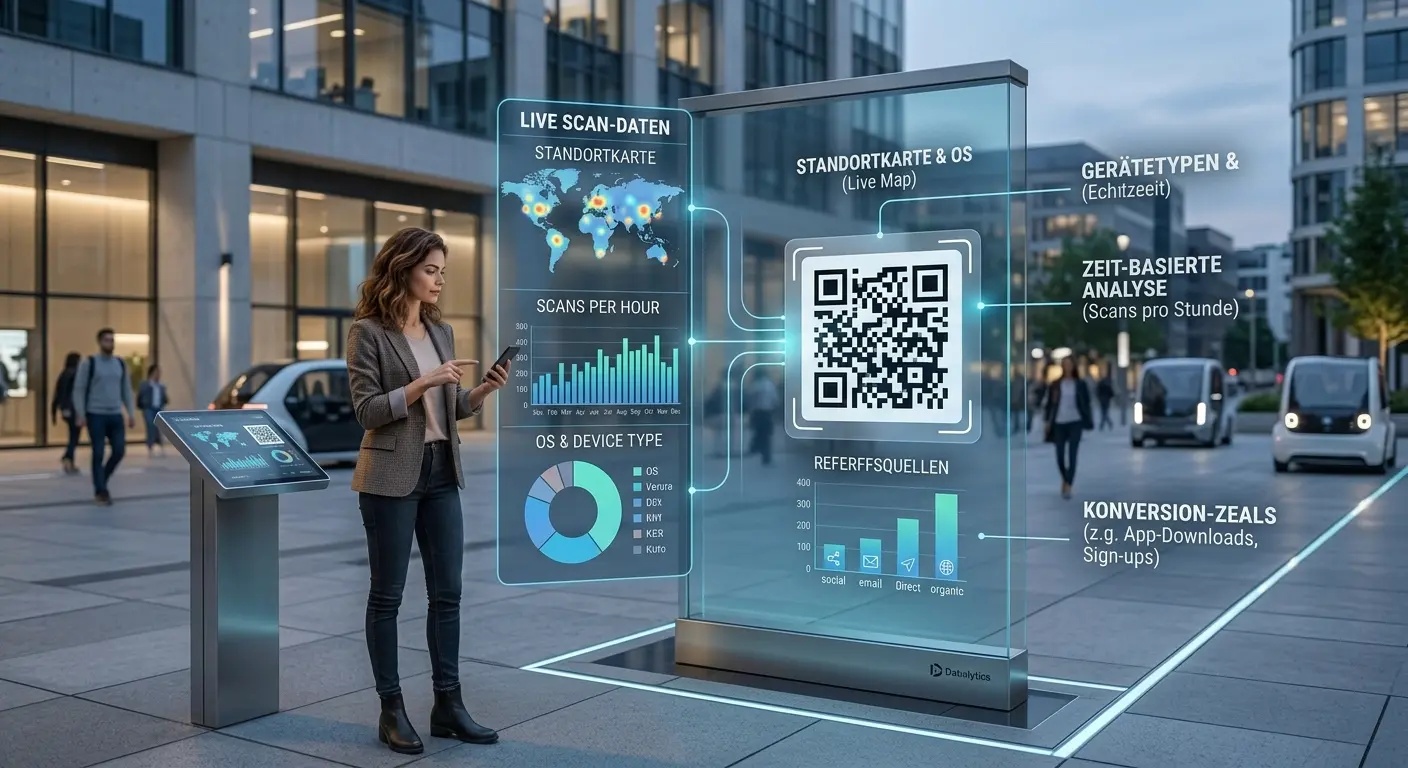
QRown splits and counts scans per variant – and does not claim a winner. Conversion is measured by your analytics via UTM.

Consistent per device

Whoever saw variant B sees it again on the next scan – a small cookie without identifier, no tracking.

Your own pages as variants

Targets may be QRown pages: landing page or menu from the builder, no website needed.

Frequently asked questions

Does QRown tell me which variant is better?

No, deliberately not. With a preset split, scans alone say nothing. QRown shows scans per variant as a control figure; you see the conversion in your shop or analytics – that is what the UTM parameters are for.

How many variants are possible?

Two to six. Each can be an external URL or one of your own QRown pages.

Does the same device always see the same variant?

Yes. The first scan draws a variant; a cookie with the variant number remembers it for 30 days. It contains no identifier and only serves consistency.

What about UTM parameters?

Automatic: utm_source=qrown, utm_medium=qr, utm_campaign from the code title, utm_content from the variant label. Manual: your own query string. Parameters already in the URL stay untouched.

Can I end the test?

Yes. Edit the code and keep only the winning target – or change the code into a normal URL code. The printed code stays valid.

Is it dynamic?

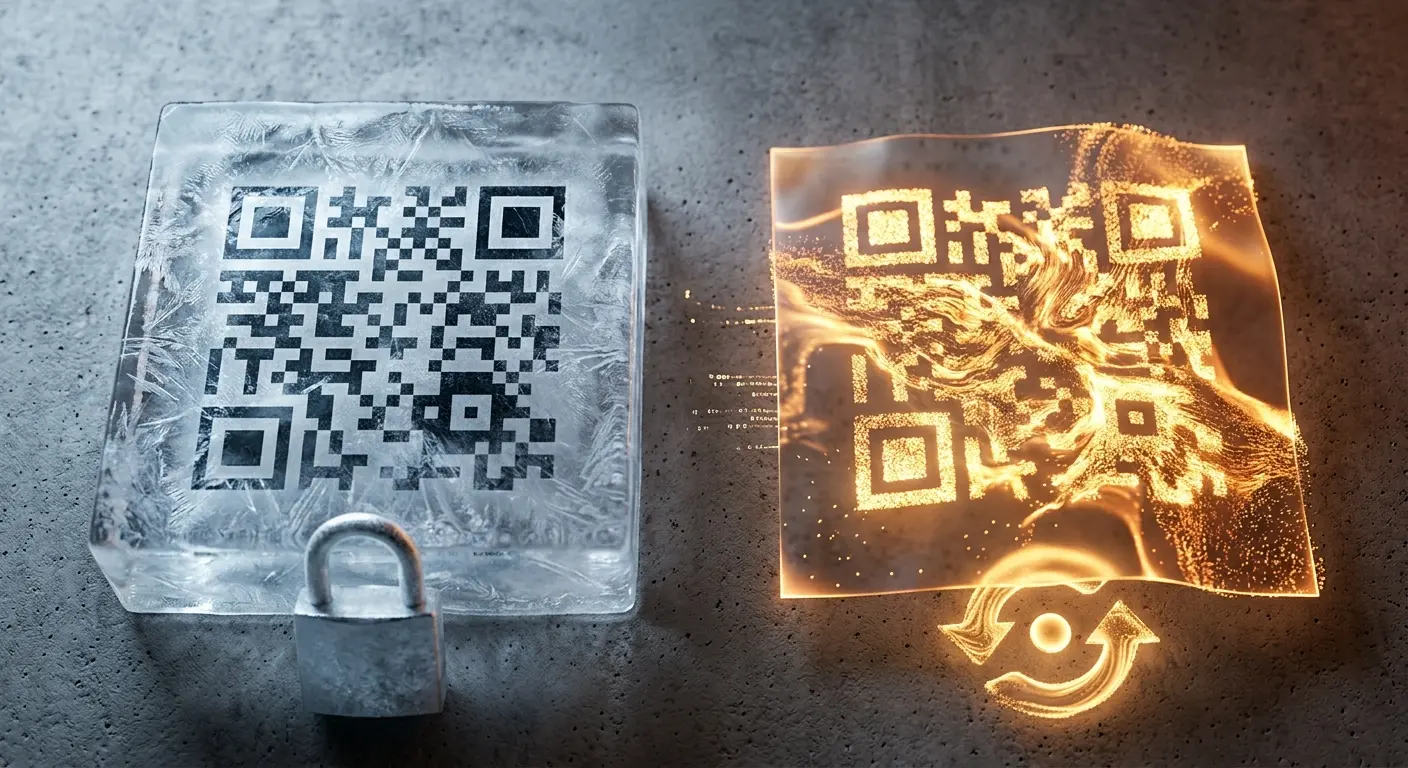
Yes, an A/B test is only possible as a dynamic code – burned-in content cannot be split. You need an account for it.

Learn more

Ready for your own QR code?

Created in under a minute — right in your browser.

Create a free account All QR code types