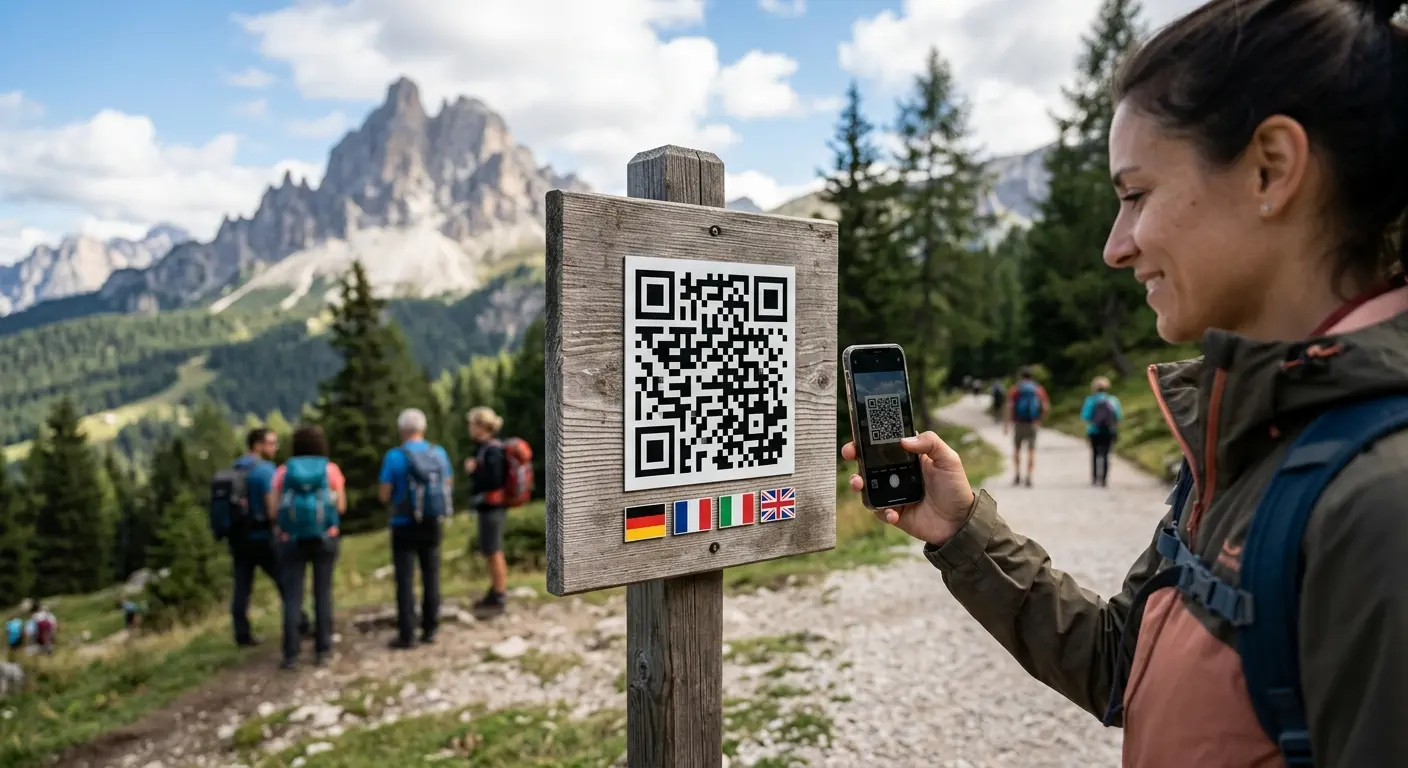
One printed code, the right target for every scan: QRown decides by your rules – by language, device, time, country or for the first scans.
Create a free accountA poster at a busy train station, visitors from all over: phones set to French should see the French page, everyone else the English one. Smart redirect gives a dynamic QR code rules following the pattern "If … then go to target X". Possible conditions: device language, device type, weekdays, time of day and date range, the country of the internet connection or the number of scans – on their own or combined with "and" or "or". The target is a URL or one of your own QRown pages, such as a landing page or menu. Rules are checked from top to bottom and the first match wins; if none matches, the default target URL applies. Because the code pattern never changes, you can edit the rules at any time – even long after printing.
In a dynamic URL code, create a rule: one or more conditions – language, device, time, country or number of scans – combined with "and" or "or", plus a target: a URL or a QRown page.
Set language, device, country, date, time and scans so far, and see instantly which rule applies – the same evaluation as a real scan.
One code on posters, flyers or packaging. Change the rules whenever you like; scans per rule are shown in the statistics.
One code for German, French and Italian: every phone lands on the page in its own language, all others on the default version.
iPhones and iPads go to the App Store, Android devices to the Play Store, computers to your website.
A restaurant shows its lunch menu from 11:00 to 14:00 and the dinner menu after that – both built with the menu builder.
The first 100 scans lead to the contest page, later ones to the normal page. Or scans from Germany and Austria go to the matching shop.
Your printed code can become multilingual later: add, change or delete rules without reprinting – the pattern stays the same.
The editor test shows which rule applies before you print. Afterwards, the statistics show scans per rule.
Every rule URL is checked for phishing and malware, just like the main address. No extra data is stored and no cookies are set for the rules.
Rules are checked from top to bottom and the first match wins. You change the order in the editor with "Move up".
Then the code leads to the default target URL you set for the code. So there is always a target.
Yes, for a dynamic URL code. The pattern never changes; you can add, change or remove rules at any time without reprinting.
The country is determined from the internet connection, using our own GeoIP database without any external service. VPN and roaming can distort it – for language versions, the "Device language" rule is the better choice.
Always Swiss time (Europe/Zurich). You can set weekdays, a time from/to and a date range; "22:00 to 02:00" spans midnight.
The A/B test splits scans randomly by shares, the app store code only redirects by device to the App Store or Play Store. Smart redirect decides by your rules. It is a feature of dynamic codes, so you need an account.
Yes, up to five per rule. With "and", all must match – for example French and Monday to Friday 11:00 to 14:00 for the French lunch menu. With "or", one is enough – for example language Italian or country Italy. Between rules, the first matching rule still wins.
Switzerland has four national languages, and visitors from all over the world. A menu in Lucerne is read by guests from …
Do you want to create a QR code but aren’t sure whether you need a static or a dynamic one? In this article, you’ll lear…
If you use QR codes on flyers, business cards, posters, or packaging, you expect them to scan instantly and provide a se…
Created in under a minute — right in your browser.