Multilingual QR code: one code for German, French, Italian and English
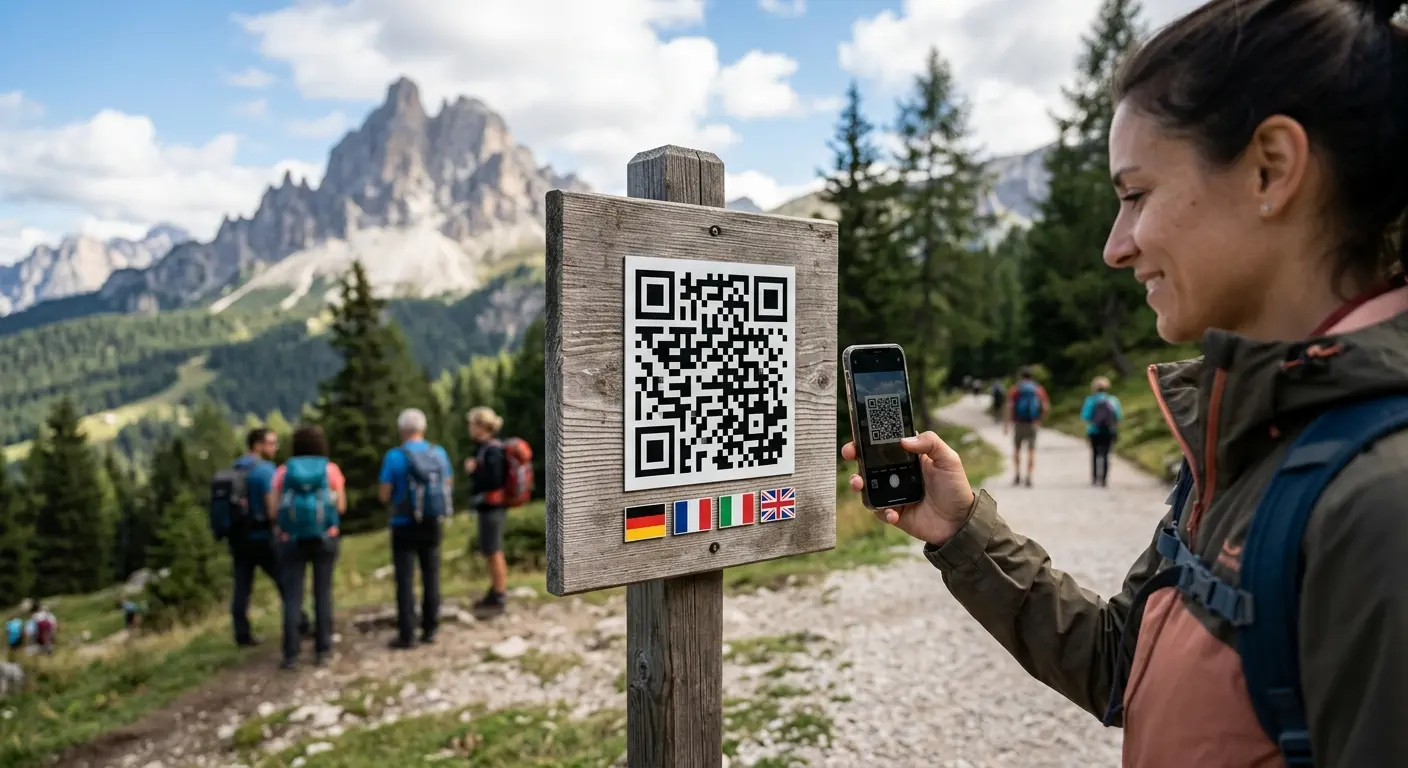
Switzerland has four national languages, and visitors from all over the world. A menu in Lucerne is read by guests from Zurich, Lausanne, Lugano and overseas. A poster at Bern station is seen by commuters from French-speaking Switzerland and by tourists from Asia. And on packaging, space is tight anyway. How do you send everyone to the page in their own language with a single QR code? This guide walks you through the options – and shows how to set it up with QRown in a few minutes. The same applies to any place where several languages meet, from hotels to museums.
Why one code per language is a bad idea
The obvious solution is three or four codes side by side, labelled DE, FR, IT and EN. In practice, that has drawbacks:
- Space: table tents, labels and signs barely have room for one code, let alone four.
- Mix-ups: when several codes sit close together, the camera easily picks the wrong one. Anyone who lands on the wrong language rarely keeps looking.
- Design: four codes look cluttered and distract from the actual content.
- Maintenance: four codes mean four destinations to keep up to date – and four separate sets of statistics.
A better approach is one code that decides for itself where to go.
Two ways to a multilingual QR code
1. A language selection page
The code opens a start page with buttons: Deutsch, Français, Italiano, English. It works with any QR code, but every visitor needs one extra tap. On a phone, standing up, with one hand, every extra step is one too many.
2. Automatic redirect by device language
Every smartphone tells a website which language its owner prefers. A dynamic QR code can read this and redirect straight to the right version: if your phone is set to French, you land on the French page without tapping anything. That is exactly what QRown’s smart redirect does.
The two work well together: automatic redirect by default, plus a small language switcher on each page for anyone who prefers to read another language.
Step by step: a multilingual QR code with QRown
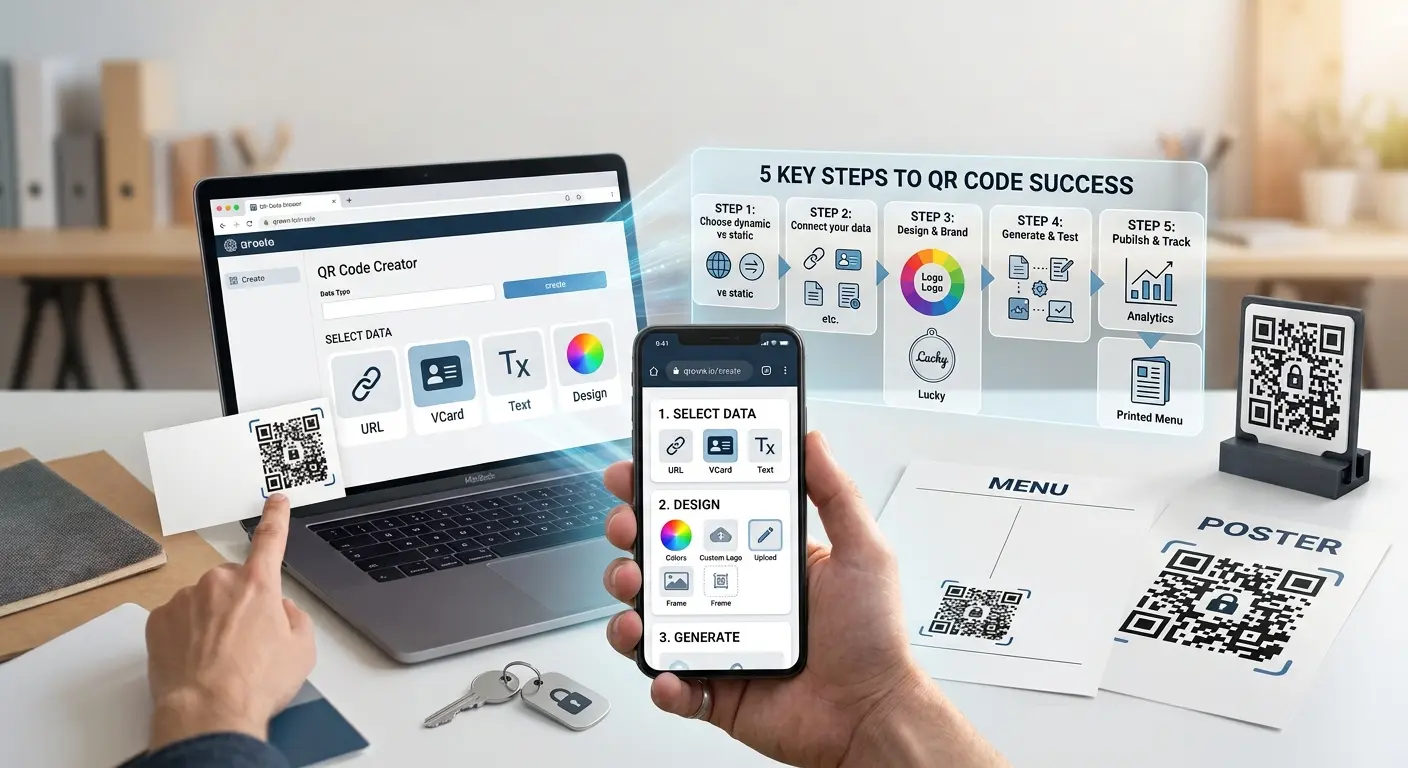
- Create a dynamic code: choose “Smart redirect” in the type selection, or open an existing dynamic URL code. Dynamic codes require a QRown account.
- Set the normal target URL as the fallback: everyone who matches no rule sees this page. For a business in German-speaking Switzerland, that is usually the German version.
- Add one rule per language: condition “device language”, for example French, destination the French page. Same for Italian. Each rule has exactly one condition, and you can choose from 25 languages.
- Add English for international guests: an English rule serves everyone whose phone is set to English. Tip: if you have rules for German, French and Italian, the English page can be the fallback instead. Then a guest whose phone is in Japanese or Spanish lands on English rather than German.
- Check the order: rules are checked from top to bottom, and the first match wins. With language rules only, the order hardly matters – once you add time or device rules, it does.
- Test in the editor: pick a language, say Italian, and see instantly which rule applies. The test uses the same logic as a real scan. You can also set device, country, date, time and previous scans.
- Print and track: the code’s statistics show scans per rule, so you can see how many visitors came in French, Italian or English.
The destination of a rule can be any URL or your own QRown page – for example a menu built with the page builder, one per language.
Practical tips
- Really translate the target pages: the best redirect is useless if the French page is half German. Check every version on a phone.
- Always keep a fallback: the normal target URL catches everyone who matches no rule. It must never lead nowhere.
- Label the code in several languages: a short call to action next to the code says what is behind it, such as “See the menu · Zur Karte · Voir la carte · Vedi il menu”. A code without a hint gets scanned less often.
- Language, not country: in Switzerland, device language is the better signal. Knowing that a scan comes from Switzerland says nothing about whether the person speaks German, French or Italian. On top of that, the country is derived from the internet connection – VPNs and roaming can distort it. A country rule makes more sense when you really mean the country, for example an offer that is only valid in Germany.
Combining with time rules
A restaurant in Basel wants to show its lunch menu at midday and the regular menu in the evening – in several languages. Because each rule has exactly one condition, “French and lunchtime” cannot be expressed in a single rule. This order works well: put the time rule at the top (Monday to Friday, 11:00–14:00) with a lunch page that contains all languages or has a language switcher. Below it come the language rules for the rest of the day. Times always refer to Swiss time. Other conditions, such as device or first scans, are described on the smart redirect feature page.
Works for codes you have already printed
Perhaps the most important point: rules can be changed at any time – including for codes that are already printed. The code pattern itself never changes. If you already have a dynamic QR code on table tents, flyers or packaging, it becomes multilingual after the fact, without reprinting anything.
By the way: every rule URL is checked for phishing and malware just like the main address. The rules set no cookies and store no additional data.
Frequently asked questions
Do visitors need to set anything?
No. The phone sends its preferred language automatically with every page request. What counts is the language set on the device.
What happens if no rule matches?
Then the code leads to the normal target URL. That is why it should always point to a sensible page.
Does this work with a static QR code?
No. A static code contains the address fixed in its pattern and cannot decide by rules. You need a dynamic code, and therefore an account.
How is this different from an A/B test?
An A/B test distributes scans randomly according to fixed shares. Smart redirect decides by rules – in this case by device language.
Conclusion
A multilingual QR code saves space, avoids mix-ups and takes every visitor straight to the right page. All conditions and examples are on the page QR code with smart redirect. Ready to start? Create an account and set up your first multilingual code.
Put this article into practice with QRown:
Smart redirect