
Live polls in the room: QRown Live as a Mentimeter alternative from Switzerland
A talk where everyone just listens is quickly forgotten. As soon as the audience can join in – voting, asking questions, competing against each other in a quiz – the mood in the room changes. Tools like Mentimeter, Slido and Kahoot! have made this popular. With QRown Live, there is now a solution from Switzerland too. Here you’ll learn how live polls work, what they’re good for and how the well-known providers differ.
How a live poll works
The principle is similar with every provider: you prepare questions as slides and show them on the projection screen. The audience scans a QR code or enters a short code and answers on their own phone. The results appear instantly on the projection screen – as bars, a word cloud or a leaderboard.
With QRown Live, it looks like this:
- Put your slides together: create a presentation or pick a template, add slides, enter your questions.
- Present: open the projection screen in full screen. A large QR code and a six-digit code bring the audience in. Joining works in the browser, with no app and no account.
- Control: with the bar and the arrow keys on the projection screen, via the presenter control panel in the browser or with your phone as a remote control.
- Analyse: afterwards, all results are available in the analysis, as CSV or PDF.
Which slides are available
QRown Live groups the slide types by purpose:
- Polls and opinions: poll, word cloud, open question, scale, ranking, distribute points, 2x2 grid and pin on image.
- Quiz – earns points: quiz, image reveal, timeline quiz, fill in the blanks and matching. Fast correct answers earn more points, and at the end comes the winners’ podium – for teams too, if you like.
- Games and activities: estimation question, bingo, team tug of war and a prize draw among all participants.
- Flow and moderation: content slide, questions from the audience (Q&A), speaker queue and random groups.
The last two groups in particular are missing from most providers: at the annual general meeting, people join the speaker queue by phone, at the workshop QRown splits the attendees into groups, and at the party the prize draw happens live.
What live polls are good for
- Clubs and meetings: a sense of opinion before the vote, questions from the floor, a speaker queue without slips of paper.
- Teaching and workshops: test knowledge playfully with a quiz, fill in the blanks or matching. In self-paced mode, everyone works through at their own pace, for example as homework – with a deadline if you like.
- Corporate events and conferences: an icebreaker with the word cloud, anonymous questions to the panel, a team quiz to wrap up.
- Parties and events: bingo, tug of war and a prize draw with suspense on the projection screen.
The well-known providers compared
All the tools compared here share the most important thing: the audience joins in the browser, via QR code, code or link, without an app. The differences lie in the slide types, the company headquarters and where the data is stored.
| QRown Live | Mentimeter | Slido | Kahoot! | AhaSlides | Wooclap | |
| Headquarters | Switzerland | Sweden | Slovakia (part of Cisco) | Norway | – | Belgium |
| Data stored in | Switzerland | EU (Ireland), USA optional | EU (Ireland, Germany) | EU and Canada | EU or USA optional | EU (Paris), USA optional |
| Poll, word cloud, scale, Q&A | yes | yes | yes | yes | yes | yes |
| Quiz with leaderboard | yes | yes | yes | yes | yes | – |
| Team quiz | yes | only one device per team | – | yes | depending on plan | answer as a group |
| Random groups | yes | – | – | – | yes | – |
| Prize draw, bingo, speaker queue | yes | – | – | – | – | – |
| Self-paced (without projection screen) | yes | yes | polls | yes | yes | yes |
| Languages for participants | 16 | 32 | 40 | – | 32 | – |
As of 12 November 2026, based on information on the providers’ websites (pricing pages, help centres, privacy and security pages). “–” means: not found there. Features and plans change all the time – check the provider’s current information before you decide.
What speaks for which provider
- Mentimeter is the classic, with many slide types and beautifully designed results.
- Slido is strong on questions from the audience and at large conferences.
- Kahoot! is the best-known quiz, especially in schools, with a team mode and event packages.
- AhaSlides offers a spinner wheel and random groups alongside polls.
- Wooclap comes from the classroom and can store the data in Paris if you wish.
- QRown Live is a good fit if the data should stay in Switzerland and, besides polls and quizzes, you also need programme items for the room: prize draw, bingo, team tug of war, random groups and a speaker queue. On top of that comes everything you find at QRown anyway – QR codes, giveaways and tickets – in one account.
If you need a great many languages for an international audience, Mentimeter, Slido and AhaSlides currently offer more languages for participants.
Tips for your first live poll
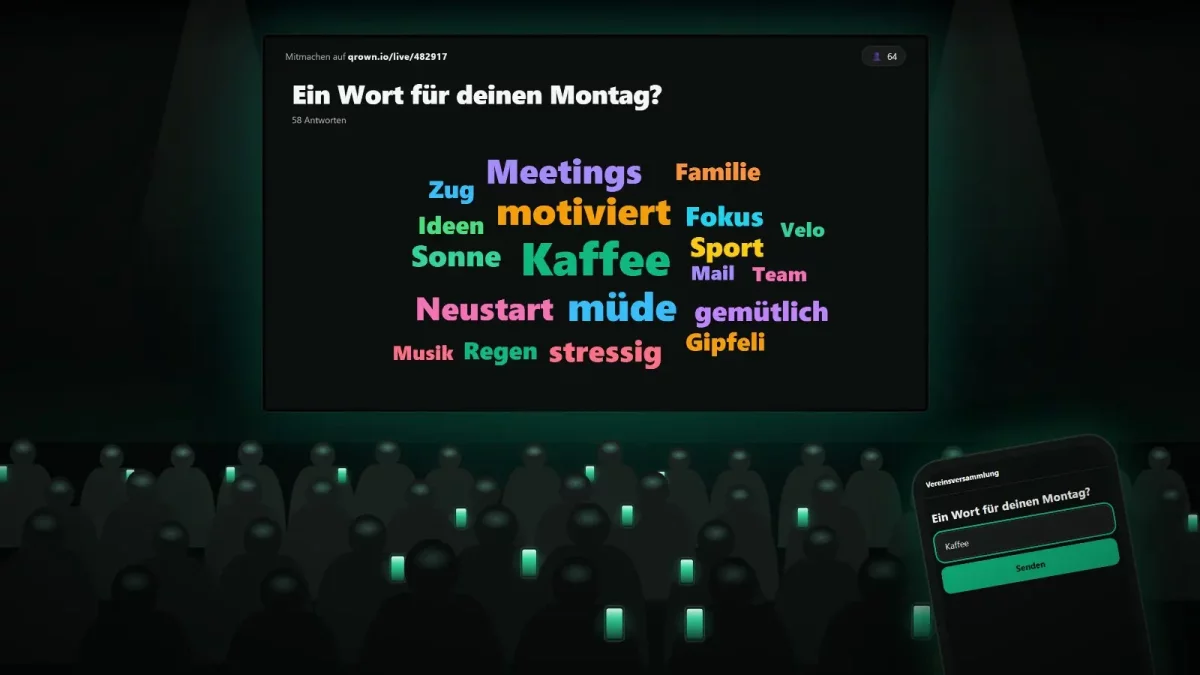
- Start with an easy question. A word cloud like “One word for your Monday” gets everyone onto their phones before things get serious.
- Show the QR code early. With QRown Live, the code can stay at the top of the projection screen the whole time, so latecomers can join too.
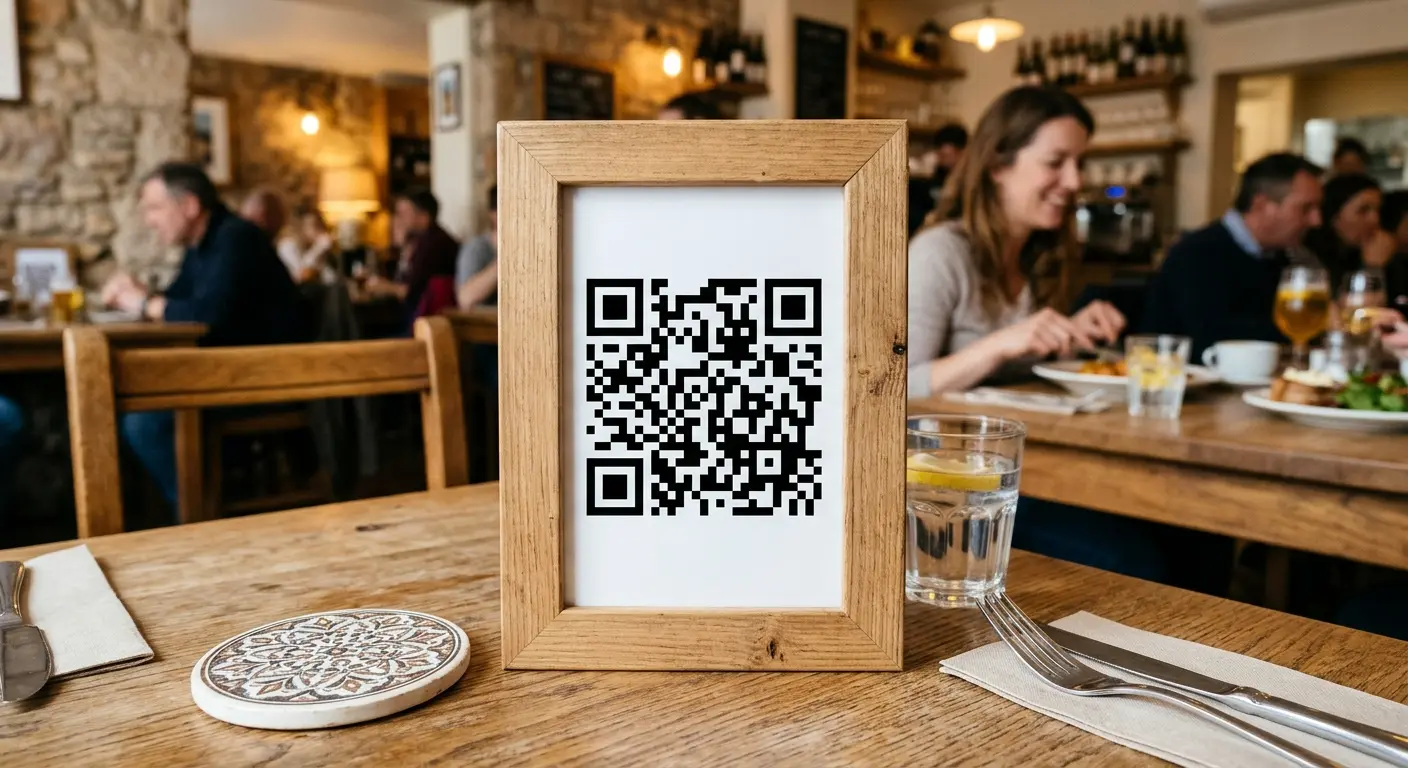
- Print a permanent room code. It always leads to the most recently started presentation – ideal for a door sign or table stand in a room you use regularly.
- Not too many slides. Five to eight interactive slides per hour keep attention without tiring people out.
- Test beforehand. The preview shows the projection screen the way the audience will see it. With a second phone, you can try joining yourself.
How to get started
You’ll find everything important about QRown Live on the page Live polls and quizzes via QR code. Planning a club party or an event? You’ll find more ideas on the pages for clubs and events.
Put this article into practice with QRown:
Live polls & quizzes