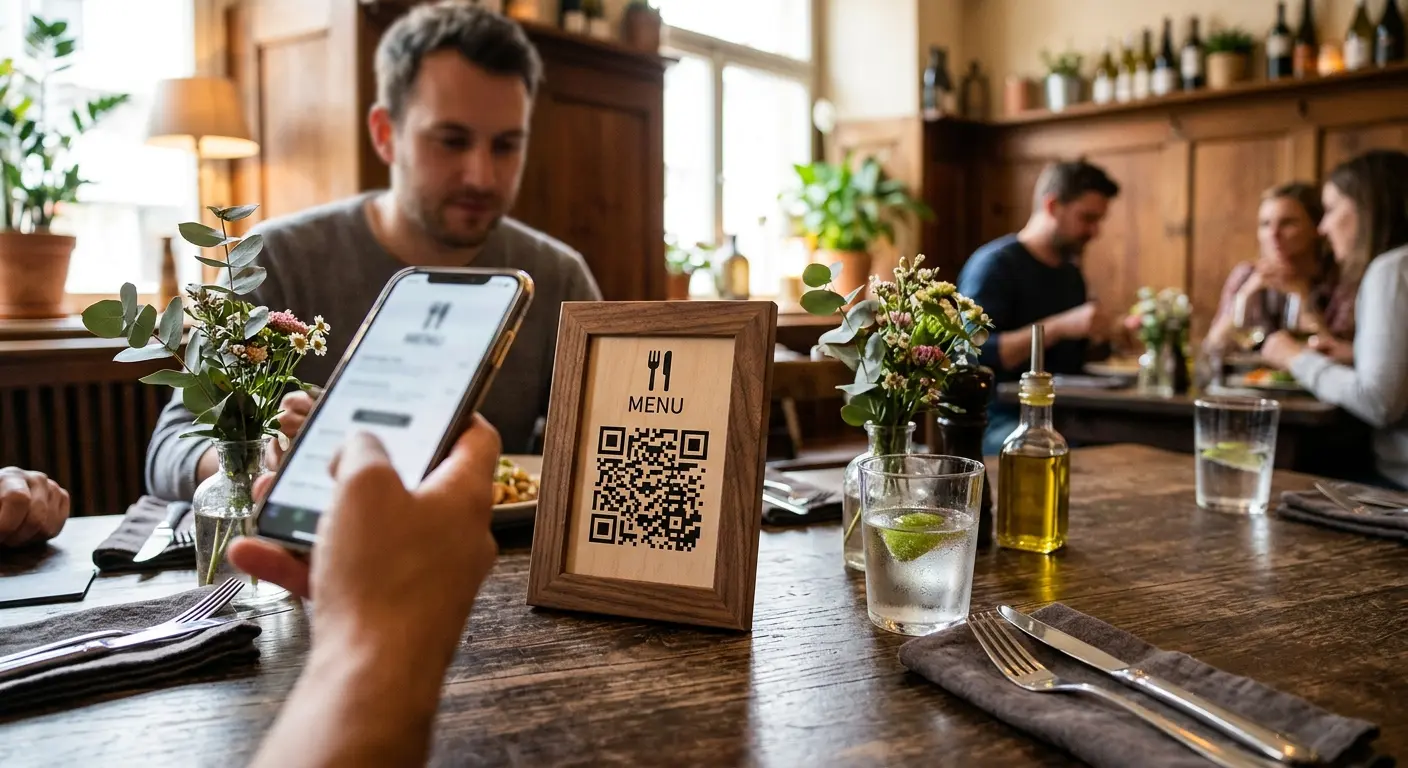
A printed menu looks perfect as soon as it comes from the printer—but from that moment on, it starts to become outdated. A dish is removed from the menu, a supplier raises prices, or a seasonal specialty is added. With every change, the question arises: Is it worth reprinting? A QR code on every table solves this problem once and for all.
Why a digital menu is worth it
- Always up to date: Price changes, new dishes, or sold-out specialties can be updated immediately without having to replace the menus at every table.
- Lower printing costs: Instead of having new menus printed regularly, a QR code created once can be reused indefinitely.
- Multilingual support with minimal effort: A digital menu can be offered in multiple languages with little effort—convenient for establishments with an international clientele, eliminating the need to provide a separate printed menu for each language.
- Better product presentation: Unlike on paper, a digital menu can feature high-quality photos, allergen and nutritional information, or brief descriptions without looking cluttered.
- Hygiene benefit: There is no shared physical object that is passed from table to table.
How to set up the digital menu
- Make the menu available as a clear webpage or PDF—either on your own website or directly with QRown’s “Menu” QR type, which already includes sections, prices, allergens, “sold out” labels and multiple languages.
- With a free QRown account, create a dynamic QR code that links to this page.
- Choose a design and colors that match your brand’s visual identity.
- Place the code on table stands, placemats, or directly on the table (e.g., as a small laminated stand).
Practical Design Tips
- Clear Call to Action: A brief prompt such as “Scan the menu” next to the code increases the usage rate, since not every guest immediately recognizes a QR code as access to the menu.
- Easy-to-read size: Since the code is usually scanned from a short distance at the table, an edge length of just a few centimeters is sufficient (see our article on the appropriate QR code size).
- Weather-resistant material for outdoor areas: For patios and outdoor areas, laminated or coated material is recommended to ensure the code remains reliably readable even in damp conditions.
- Provide an alternative for guests without smartphones: Having one or two printed menus per restaurant as a fallback option ensures that no one is left out.
The advantage of a dynamic code over a simple PDF link
If the menu is integrated via a dynamic QR code, the link destination can be changed at any time—for example, from the lunch menu to the dinner menu—without having to alter the printed code itself. A code printed once and distributed to all tables thus remains valid for years, regardless of how often the actual menu changes.
Use scan data to inform decision-making
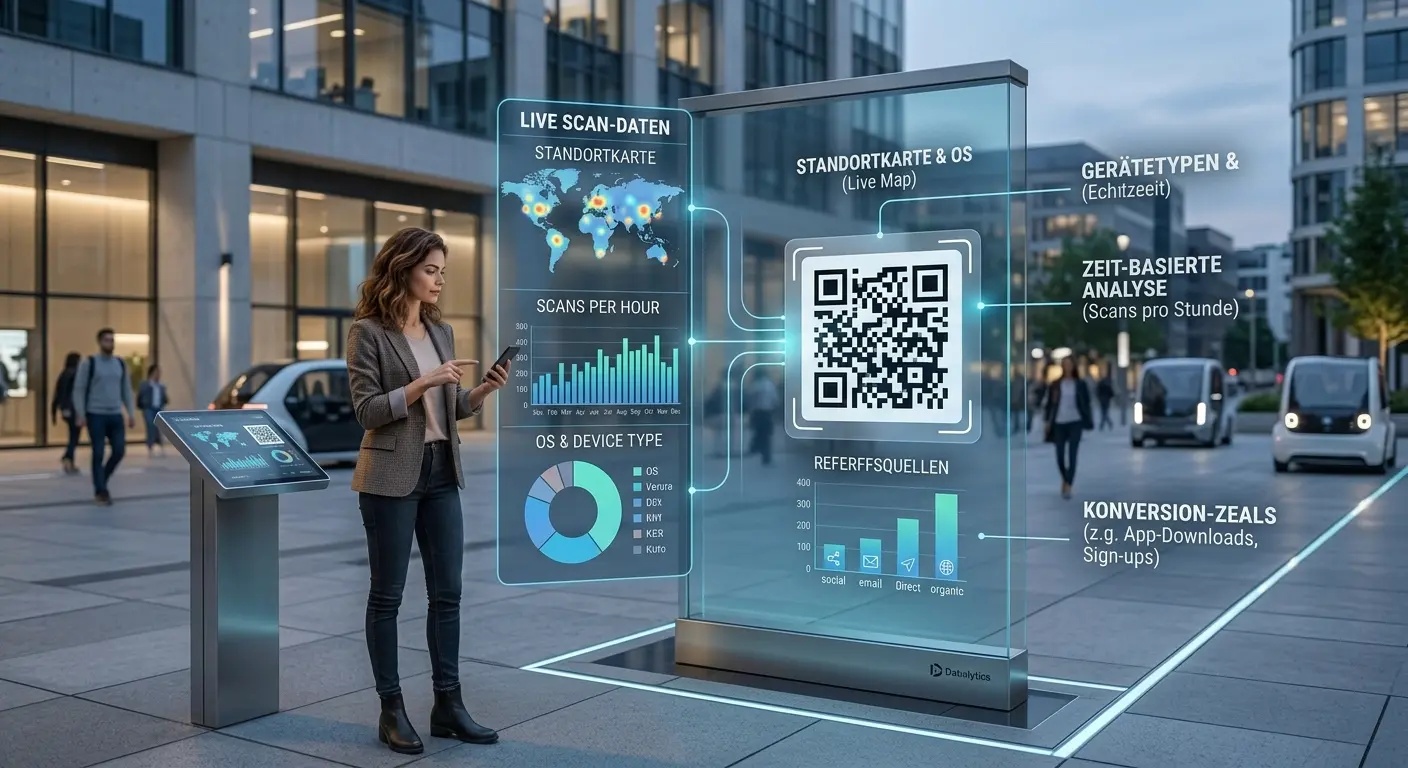
Scan statistics also reveal the times of day when the menu is accessed most frequently—a useful indicator for staffing during peak hours. If overall usage remains lower than expected, this may indicate that the menu is placed too inconspicuously or that there is no accompanying text explaining its purpose.
Create Your Own Digital Menu Now
Create the perfect QR code for your restaurant right in the QRown Editor—complete with a custom design that matches your brand’s look and feel.
Put this article into practice with QRown:
Digital menu