QR Code for Business Cards (vCard): No More Typing Out Contacts
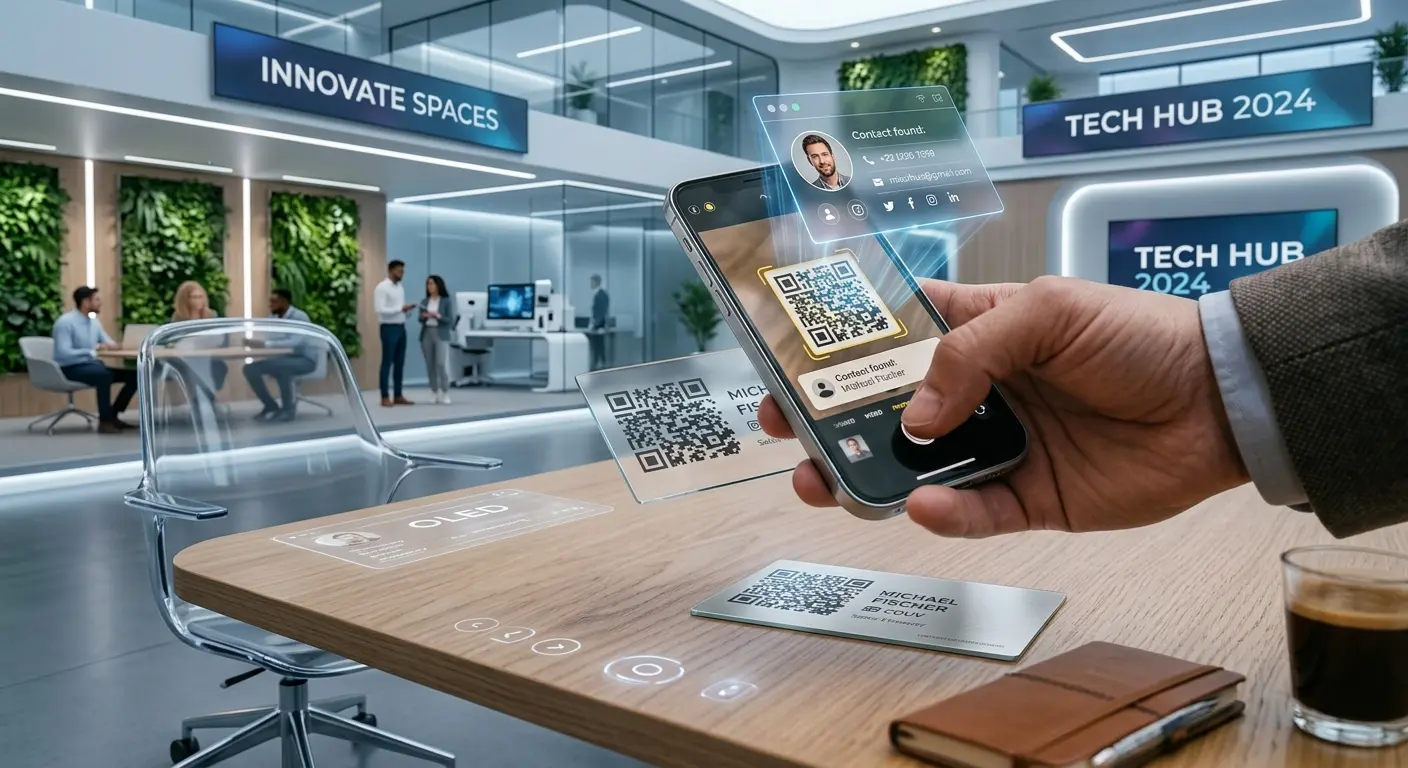
After a networking event, there’s often a small stack of business cards on your desk. With every new card that’s added, the likelihood that each one will be typed out decreases. A vCard QR code solves this problem: Just one scan is all it takes, and the complete contact information goes straight into your smartphone’s address book.
What a vCard Is—and Why It’s Better Than a Simple Link
A vCard is a standardized format for contact information that’s supported by virtually every smartphone and email program. Unlike a link to a website with contact information, a vCard QR code offers the option “Add to Contacts” immediately after scanning—including all stored fields in one go: first name, last name, company, job title, phone numbers, email address, website, and address.
Create your own contact card in just a few steps:
- In the QRown editor, select the “vCard” QR code type.
- Fill in the relevant fields: first name, last name, company, position, phone number(s), email address, website, and, if needed, the address.
- Customize the design and colors to match your brand.
- Download the finished code and place it on your business card, in your email signature, or on the display at your trade show booth.
Why this is more than just convenience
- Fewer typos: When you type a name or email address by hand, you occasionally make a mistake—with a vCard, your smartphone copies the data exactly as it was entered.
- Faster follow-ups: When a new contact is saved immediately to your address book, the barrier to sending that first message or making that first call drops significantly.
- Professional impression: Especially at trade show booths or during initial meetings, a well-thought-out digital solution comes across as modern and thoughtful.
- Paperless option available: If you want to do away with printed business cards entirely, you can simply display the vCard code digitally, for example as a wallpaper.
The Advantage of a Dynamic vCard Code
Traditional, printed business cards have a major drawback: As soon as the phone number, job title, or company address changes, the entire stack of cards becomes outdated. A dynamic vCard QR code circumvents this problem, as the stored contact information can be updated in the background at any time without having to change the printed code itself. While someone who has already scanned the card and saved it in their address book won’t see the updates automatically, anyone who scans the code afterward will automatically receive the most current information.
Where a vCard code is particularly useful
- Trade show booths and networking events, where many contacts are exchanged in a short amount of time.
- Email signatures, as a small code image next to your name.
- Name tags at conferences, so that people you’re talking to can save your contact information right there on the spot.
- LinkedIn or website profiles, for visitors who’d like to have your contact information available offline.
Create Your Own vCard Now
Create your personal vCard QR code in just a few minutes using the free QRown Generator—complete with a custom design and contact information that can be updated at any time, if needed.